
Today we are releasing Files Preview v4.1.6 for users of the preview version.
An update icon should be displayed in the top right corner of the app for existing users, while new users can get started from our download page. Additionally, you can help support the project by purchasing Files on the Microsoft Store or by sponsoring us on GitHub. Your support is greatly appreciated but entirely optional.
What’s New in Files v4.1.6
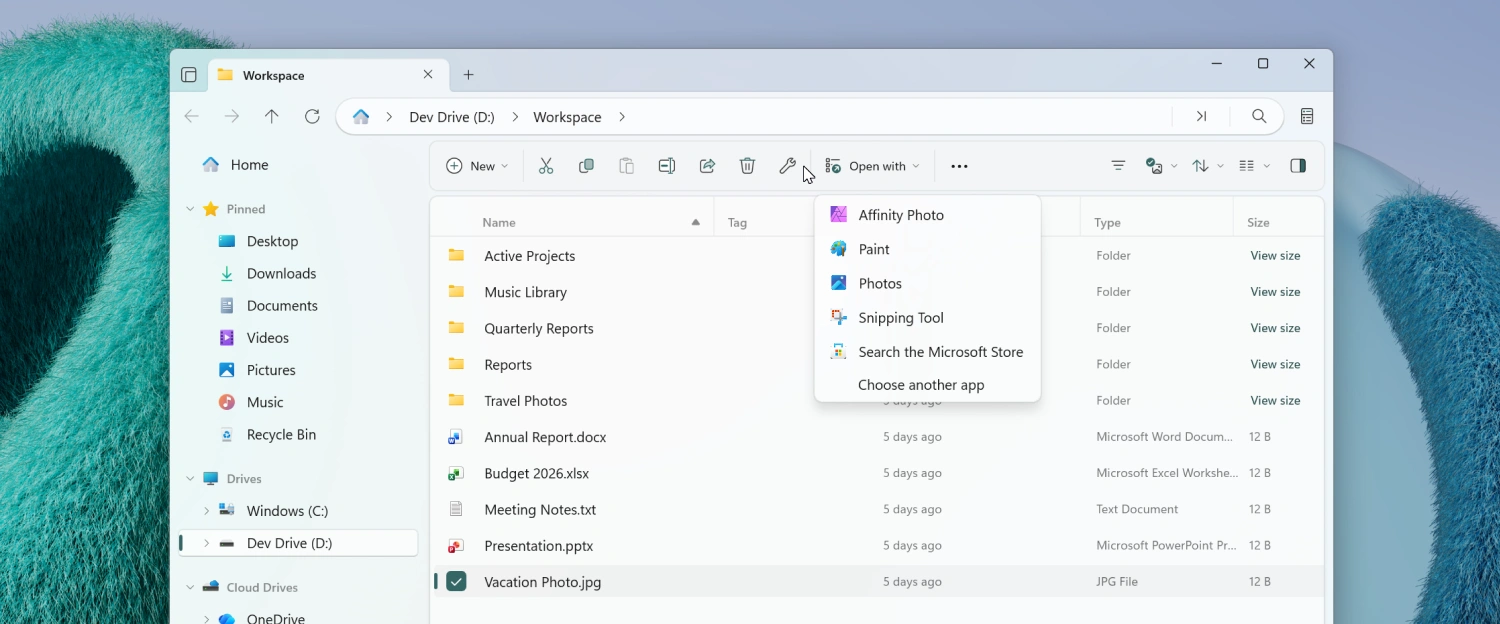
Open With toolbar flyout
A new Open With flyout has been added to the toolbar, giving you quick access to the apps that can open the currently selected file.
To enable the Open with… button:
- Right-click the toolbar and select Customize toolbar.
- Expand the Open group on the left.
- Drag Open With… to the list of added toolbar items.
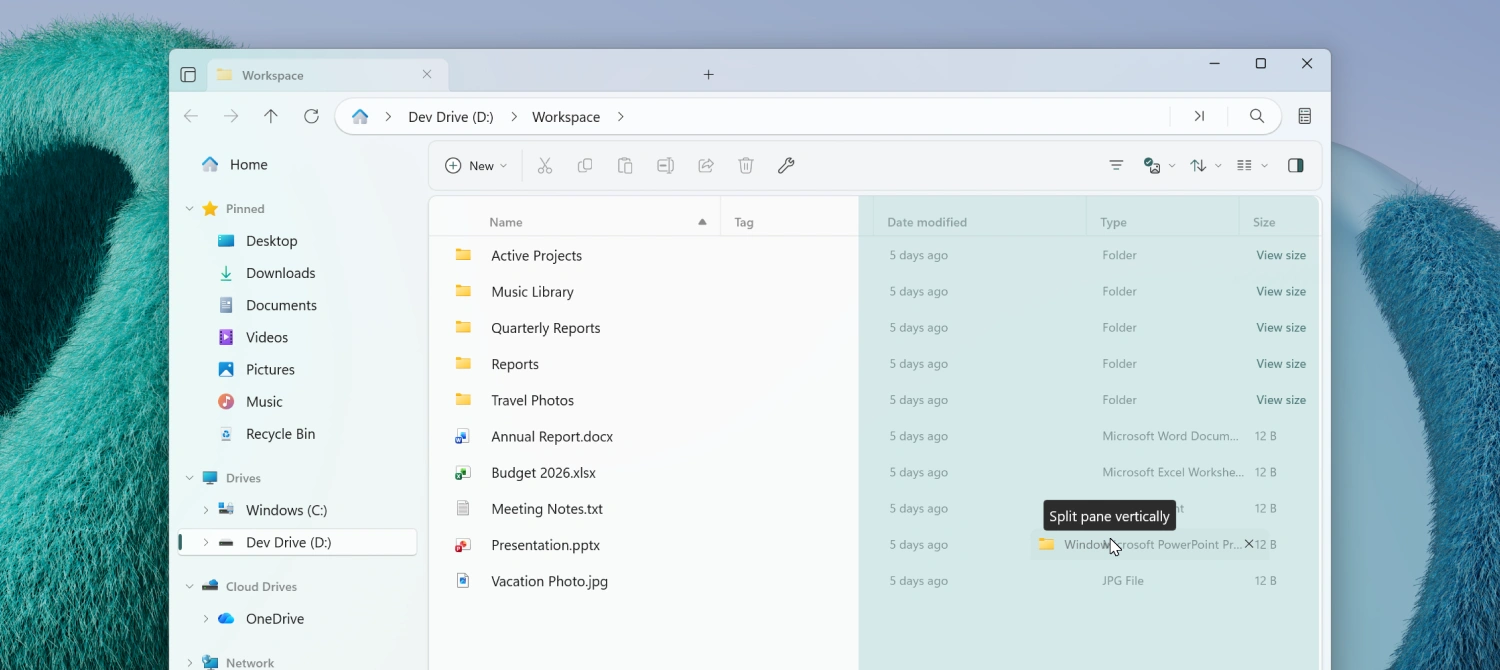
Drag a tab to create a new pane
You can now open a second pane by dragging a tab. Drop the tab on the left or right side of the file area for a vertical split, or on the top or bottom for a horizontal split, making it even easier to work with multiple locations at once.
Improved continue where you left off
The startup behavior for Continue where you left off has been improved so that previously opened tabs are restored more reliably and in the correct order across sessions.
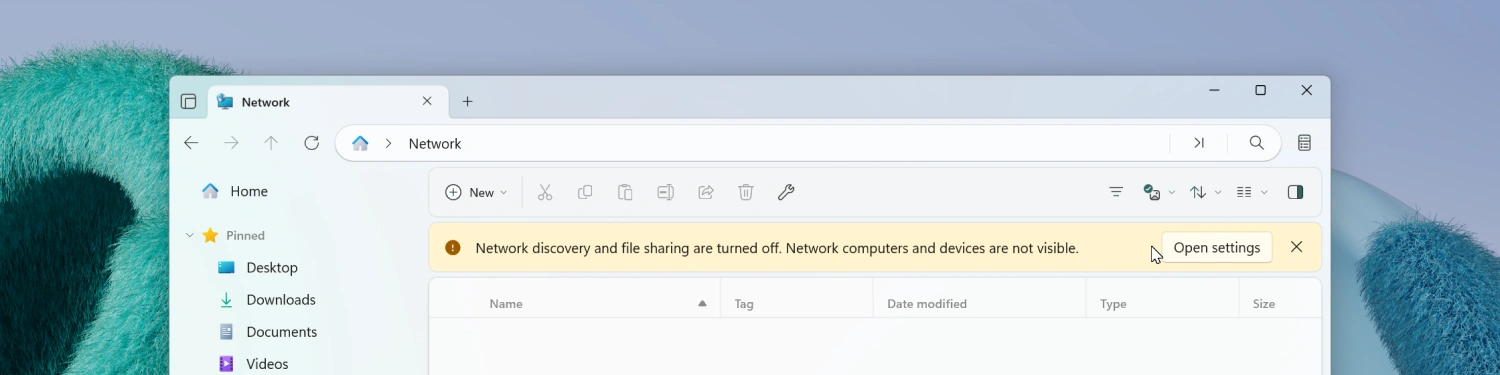
Network Discovery banner
When Network Discovery is turned off in Windows, Files now displays a banner in the Network page letting you know that some network locations may not appear.
Skip button in File In Use dialog
The File In Use dialog now includes a Skip button.
Fixes
- Fixed an issue where launching Files from the command line didn’t work correctly in some scenarios.
- Fixed an issue where keyboard shortcuts didn’t work on the Release Notes page.
- Fixed an issue where toolbar buttons were sometimes missing.
- Fixed an issue with keyboard focus in Columns View.
- Fixed an issue where archives weren’t displayed in the Recent Files widget.
- Fixed an issue where a pinned library didn’t display correctly in the sidebar.
- Fixed an issue where shortcuts weren’t displayed in search results.
Conclusion
As always, we appreciate your feedback and suggestions on how to improve Files. You can reach us on Discord and on GitHub.
Thank you for using Files! 😊
Download Files Preview from the Microsoft Store | Sponsor us on GitHub